> ## Documentation Index
> Fetch the complete documentation index at: https://docs.pezzo.ai/llms.txt
> Use this file to discover all available pages before exploring further.
# Environments
Environments provide a way to deploy prompt versions gradually and helps you manage your prompts in a more structured way, reducing the risk of breaking changes.
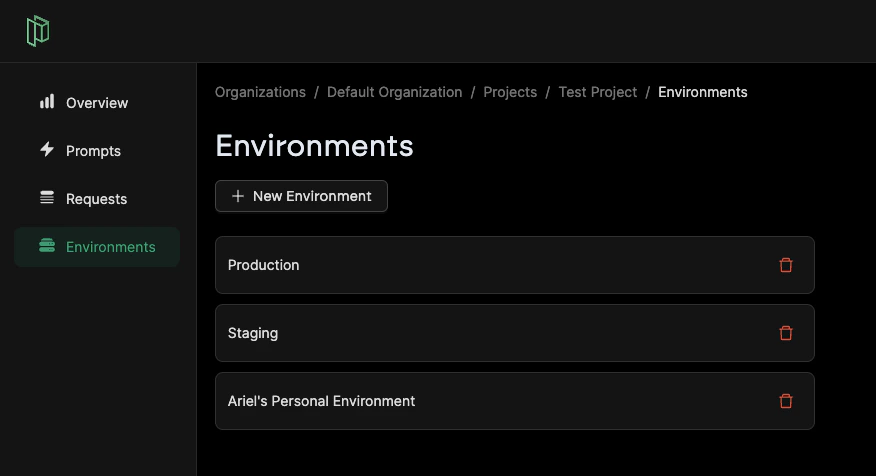
You can find the environments tab in the left-hand side navigation bar, by clicking the **Environments** item on the menu.
Here, you will find a list of all environments, or create a new one.
Environments are defined at the project level. Every project has a default environment called **Production**.